
Features and Screenshots
- Capture your reader's attention with an animated 3D banner (WebP, APNG, GIF and others).
- Compose a scene from several 3D texts.
- Take advantage of the complimentary texture library.
- Shape up your text to meet your taste: enter text of any size in one, two or more lines, and center or align it by the left or the right margin, choose the font, size and style.
- Enjoy simplicity and confidence: all operations are performed within one screen, and the wizard with pre-made templates and stuffed textures library will not let you slip off the way and get lost in the depths of the application.
- Preview your final 3D text in the real-time preview window; turn it any way around by just dragging it with the mouse.
- Decorate your 3D text with realistic 3D shadow and reflection - by moving the light and playing with its intensity.
- Take your final high-resolution anti-aliased 3D-text banner of up to 4000 by 4000 pixels straight to the publisher; skip a countless number of conversion operations, and save it to the format you need directly.
Screenshots
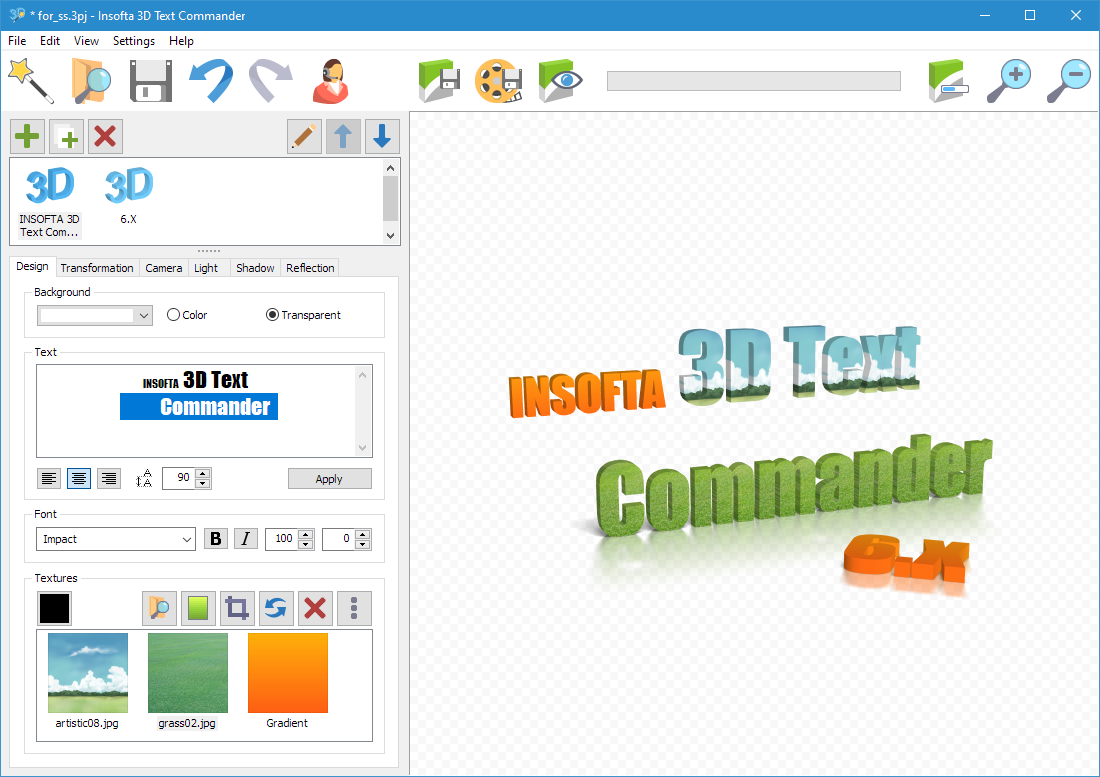
1. Main Window
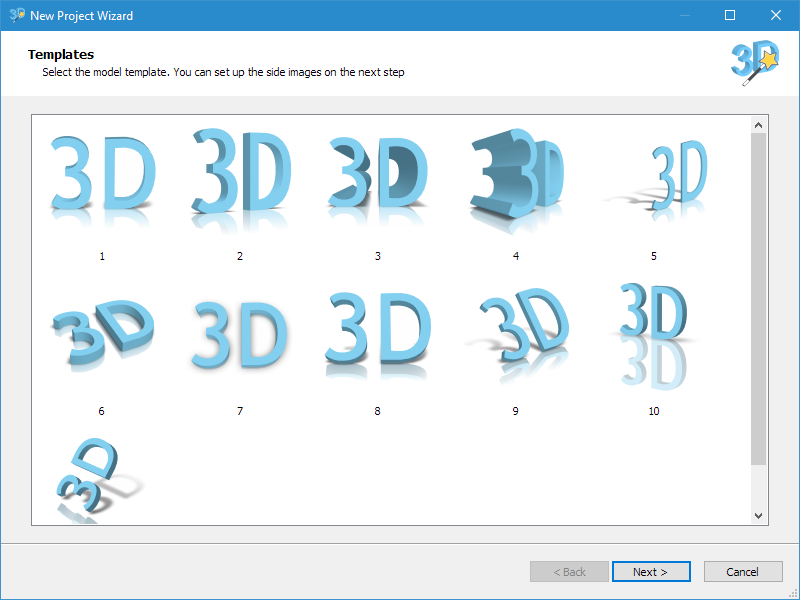
2. Select Template
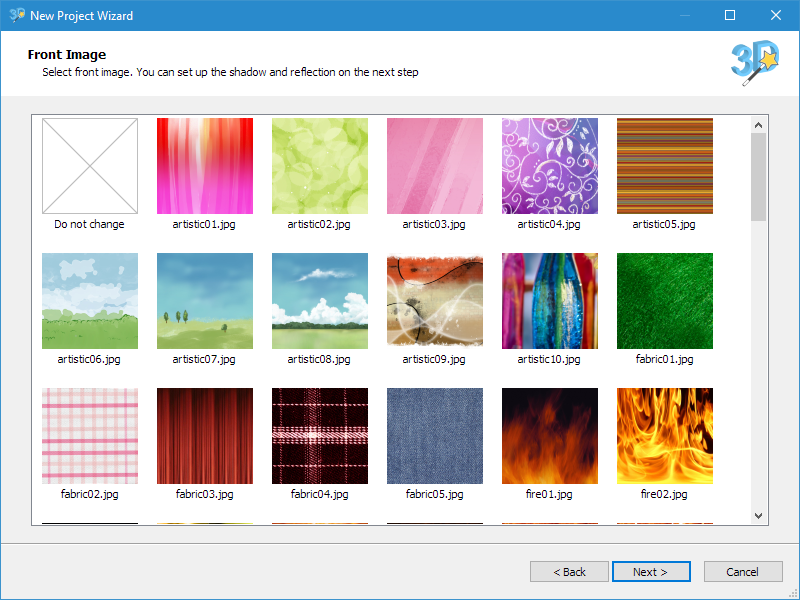
3. Select Texture
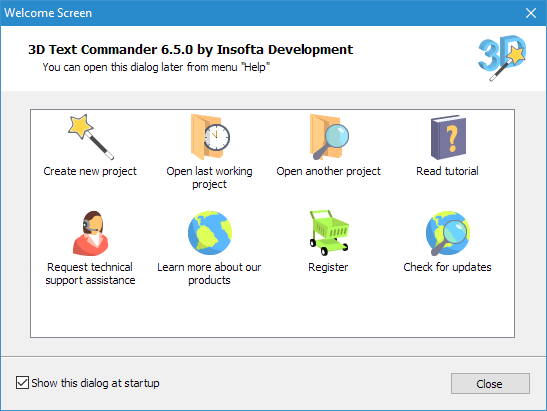
4. Welcome Dialog
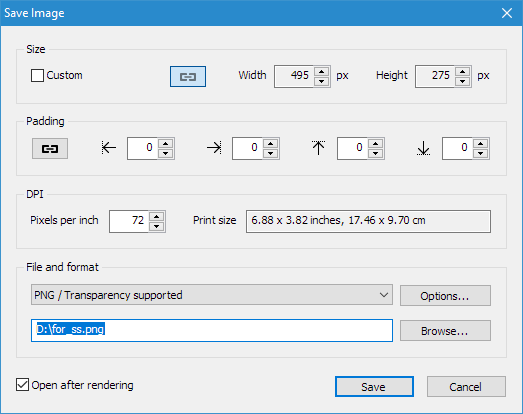
5. Save Image Dialog
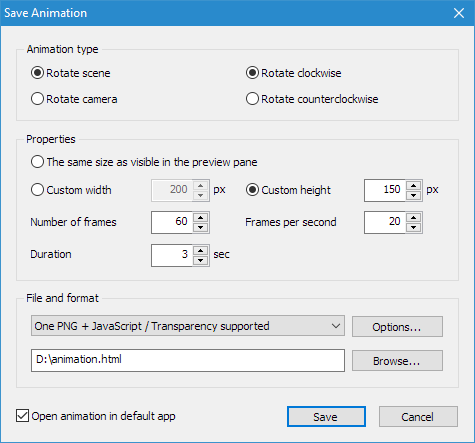
6. Save Animation Dialog
3D Text Commander